Small business offices
Stop paying employees to move information between inboxes, documents, calendars, and disconnected systems
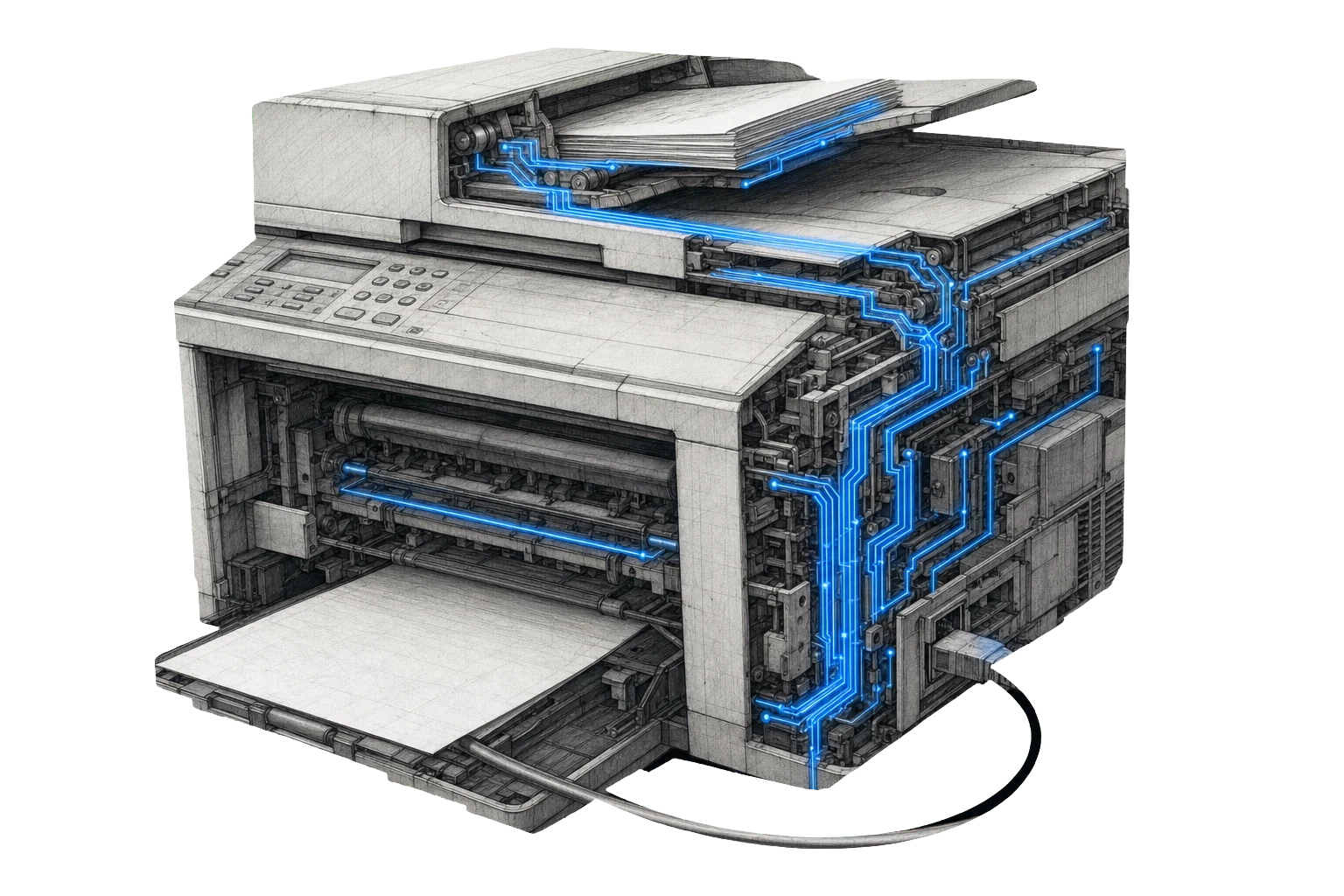
Office work often grows one tool at a time. A form collects information, email receives documents, a calendar schedules the next step, another product tracks the client, and spreadsheets fill the gaps.
Employees become the integration layer.
What the problem costs
- Information is retyped and rechecked
- Documents are difficult to collect, identify, and file consistently
- Scheduling, reminders, and follow-up are split across individual tools
- Outstanding work depends on inboxes and memory
- Owners cannot see where work is delayed
- Customers repeat information the business already received
Outcomes NexVerto may help produce
- More complete client intake
- Clear document-request and collection workflows
- Better scheduling, reminders, and follow-up
- Approved movement of information between supported systems
- Visible exceptions, missing items, and delayed work
- Useful reporting for the people responsible for action
What NexVerto may do
NexVerto can review the complete office process, improve websites and intake, organize documents, connect approved systems, automate repetitive work, manage hosting and communications, provide technology leadership, research improvement opportunities, or build missing capabilities.
Why the answer may not be more automation
Some processes should be simplified before they are automated. Some systems should remain disconnected because of access, risk, or regulatory requirements. Some judgment must stay with qualified employees. NexVerto determines what should improve, connect, remain manual, stay unchanged, or be created.
Tools we would start with here
These are the tools that tend to matter most for this kind of business, and why they matter here specifically. Take one, take all of them, or use them as a starting point for something built around your operation.
Page Imagery
Custom illustration for every page, drawn from what the page actually says
Professional services sell on credibility. Consistent imagery does more for that than another paragraph of copy.
See this tool →Managed SEO Report
A weekly account of what changed, ending in the specific work to do
The terms that bring clients are specific and local. This says which of them you are nearly winning and what would close the gap.
See this tool →Answer Engine Check
Whether the major AI systems recommend you, and who they name instead
Clients ask assistants for a firm that does what you do. You are in that answer or you are not.
See this tool →If you need more than one tool
Where the same work repeats, or several tools have to run together, that becomes a package. For this kind of business it would usually involve imagery that carries credibility, search reporting on the specific local terms that bring clients, and a check on whether assistants recommend a firm that does what you do.
A package is not something you pick off a page. It gets built for you in a discovery meeting, because the combination that suits your operation is rarely the default one. That conversation decides which tools are included, how often they run, who operates them, and what reporting you get.
It can also include scope for custom work or integrations where the standard tools do not reach far enough on their own. That work sits inside the package rather than becoming a separate project.
Three ways to go from here
Take a single tool
Pick one from the shelf and run it on your business. Pay for that run, nothing else, and judge the output yourself.
Open the shelf →Build a package together
Work with us to put together the combination that suits your operation, rather than taking the default set. Most businesses need a slightly different mix.
Talk it through →Go to Studio
When none of the tools fit how you actually work, Studio builds the system from scratch, shaped entirely around your operation.
See Studio →What we can actually prove

Every claim on this site is supposed to map to evidence, and to say which kind of evidence it is. For this vertical, honestly:
- No paid productionWe have not yet delivered this combination of tools to a paying client in this industry. Where that changes, it will be stated here with the client's permission.
- DemonstrationThe imagery on this page and across this site was produced by the tool it describes. That demonstrates the tool works. It does not prove a client depends on it in production.
- Paid production, other industryAn industrial request-to-quote workflow runs in paid production. It is not presented as evidence for this vertical, because it is not.
We would rather say this plainly than imply experience we do not have. If that matters to how you decide, it should.
The business retains authority
The business retains professional judgment, confidentiality, regulatory responsibilities, client decisions, recordkeeping obligations, and approval of consequential actions.